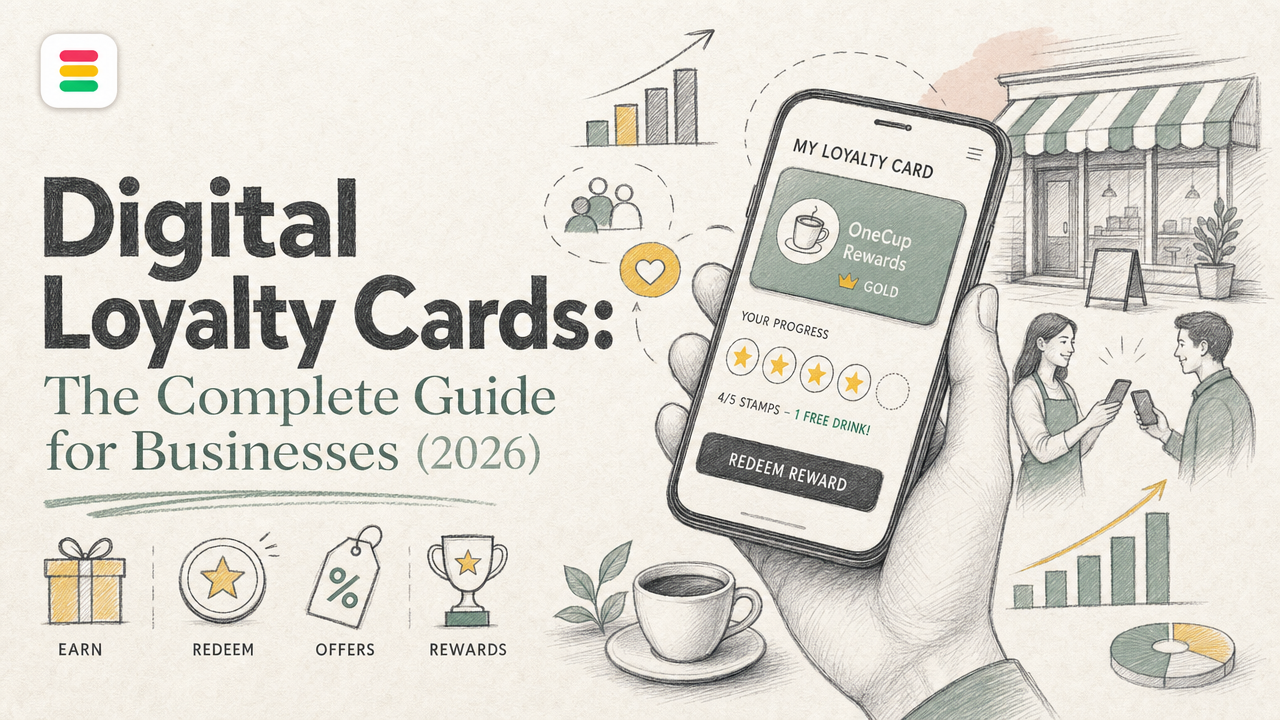
Quick Summary: Digital loyalty cards stored in Apple Wallet or Google Wallet are easier for customers and more effective for businesses than paper or app-based programs. They can be quickly added via QR codes, updated in real time, and stay visible on customers' phones, boosting repeat visits and data collection. Platforms like OneCup make it simple to create, distribute, and track these wallet-native cards without requiring customers to download extra apps. Overall, they cut friction, improve engagement, and provide better insights into customer behavior.
A coffee shop, salon, or fitness studio can place a QR code at the counter and turn it into a digital loyalty card customers save to Apple Wallet or Google Wallet in seconds. That sounds simple, but many owners still get stuck choosing between apps, paper punch cards, and clunky online loyalty card tools.
This guide fixes that. You will learn what a digital loyalty card is, how digital loyalty cards work, why digital loyalty cards for business beat paper, and how a virtual loyalty card or other electronic loyalty cards fit real store operations.
We focus on the full wallet-first setup, including app-free digital loyalty cards and digital loyalty card programs built for growth, with practical guidance shaped around OneCup.
A digital loyalty card is a reward card stored on a customer’s phone, often in Apple Wallet or Google Wallet. Businesses use it because it is easier to keep, faster to scan, and simpler to update than paper or app-based programs.
Paper cards get lost, tear, and give you almost no customer data. Loyalty apps can work well, but many customers will not download another app. A wallet-based card sits in a better middle ground. It feels light for the customer and practical for the business. The wider move to contactless phone use also helps. The CFPB notes that tap-to-pay on mobile devices keeps rising in the U.S. according to the Consumer Financial Protection Bureau.

In the customer journey, digital loyalty cards work best across visit, return, and reactivation. A guest joins at checkout, keeps the card on their phone, and uses it again on the next visit. Staff can scan a QR code, add points, stamp visits, or trigger a reward in seconds.
The best programs remove friction. If a customer needs an app, login, and setup flow, many will quit.
That is why app-free platforms like OneCup fit small businesses well. They meet customers where they already are - on their phones.
Customers usually join in one fast step. You show a QR code at checkout, on a table tent, receipt, SMS, or landing page. They scan it, tap Add to Wallet, and save the card to Apple Wallet or Google Wallet. Apple says passes can be distributed on the web, by email, SMS, and QR codes, and users can add them without installing an app, according to Apple Wallet's loyalty pass overview. That is why wallet-native cards feel easier than app-based programs.
Staff do not need to manage a second app on the customer side. They issue a stamp, points, or a reward by scanning the wallet pass barcode, entering a visit in the POS, or using a connected loyalty dashboard like OneCup. The pass acts like a live record tied to that customer. Common actions include:
Wallet updates keep the card useful after sign-up. If points change, the pass can refresh with the new balance or reward status. Apple Wallet supports pass updates and lock screen alerts, while Google Wallet supports message and update notifications for saved passes, as shown in Google's loyalty card notification guide.
Keep the flow simple: join, earn, redeem. If staff need too many steps, adoption drops fast.
Digital loyalty cards win because they cut friction, stay visible, and give you cleaner data. Paper cards get lost. Branded apps ask too much from casual customers.
A customer can scan, tap, and save a pass in seconds. That matters at checkout, where even small delays kill sign-up rates. Wallet passes also avoid the uninstall problem that hurts many loyalty apps, while Google Wallet keeps adding pass updates and lock-screen notifications for merchants through its wallet features Google Wallet release notes.
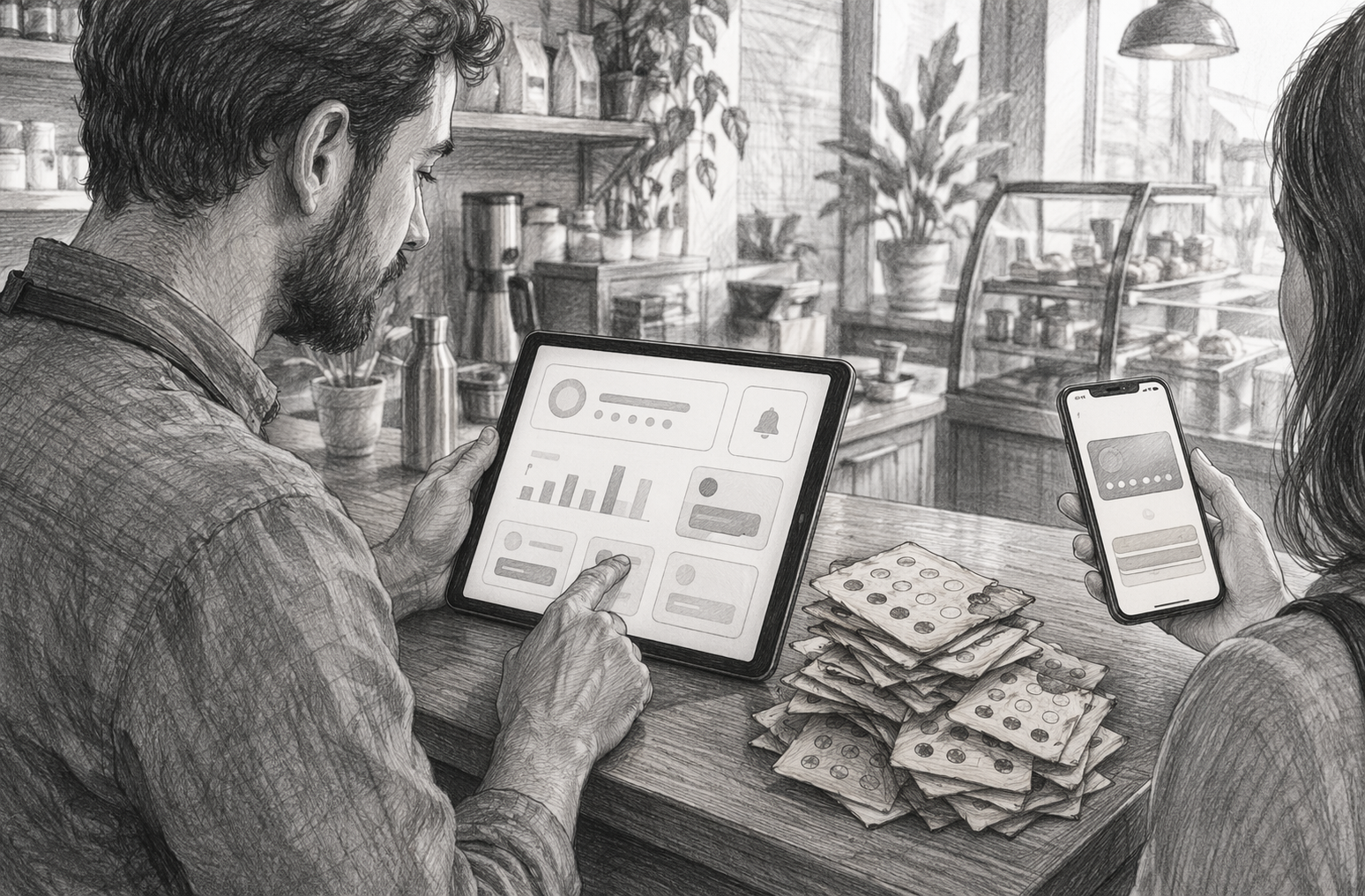
Paper cards disappear into wallets, cars, and kitchen drawers. Wallet-native cards stay on the phone customers already carry. They can also surface with updates, offers, and reminders. Industry reporting shows Apple and Google wallets are becoming stronger commerce channels because passes can support real-time updates, geofencing, and loyalty messaging Payments Dive coverage.
If customers already use Apple Wallet or Google Wallet, an app-free program usually beats a standalone app for reach.
For businesses, the bigger edge is data.
That is why platforms like OneCup focus on wallet-first loyalty instead of paper stamps or heavy app builds.
Pick the model that matches how often people buy and how they spend. That matters more than fancy features.
1. Stamp cards for high-frequency purchases
Use stamp cards when customers buy the same low-cost item often. Think coffee, car washes, bakery runs, or quick lunches. The reward is easy to grasp: buy 9, get the 10th free. That simple progress loop helps repeat visits. In wallet-based programs, digital stamps work especially well because customers can track progress without an app.
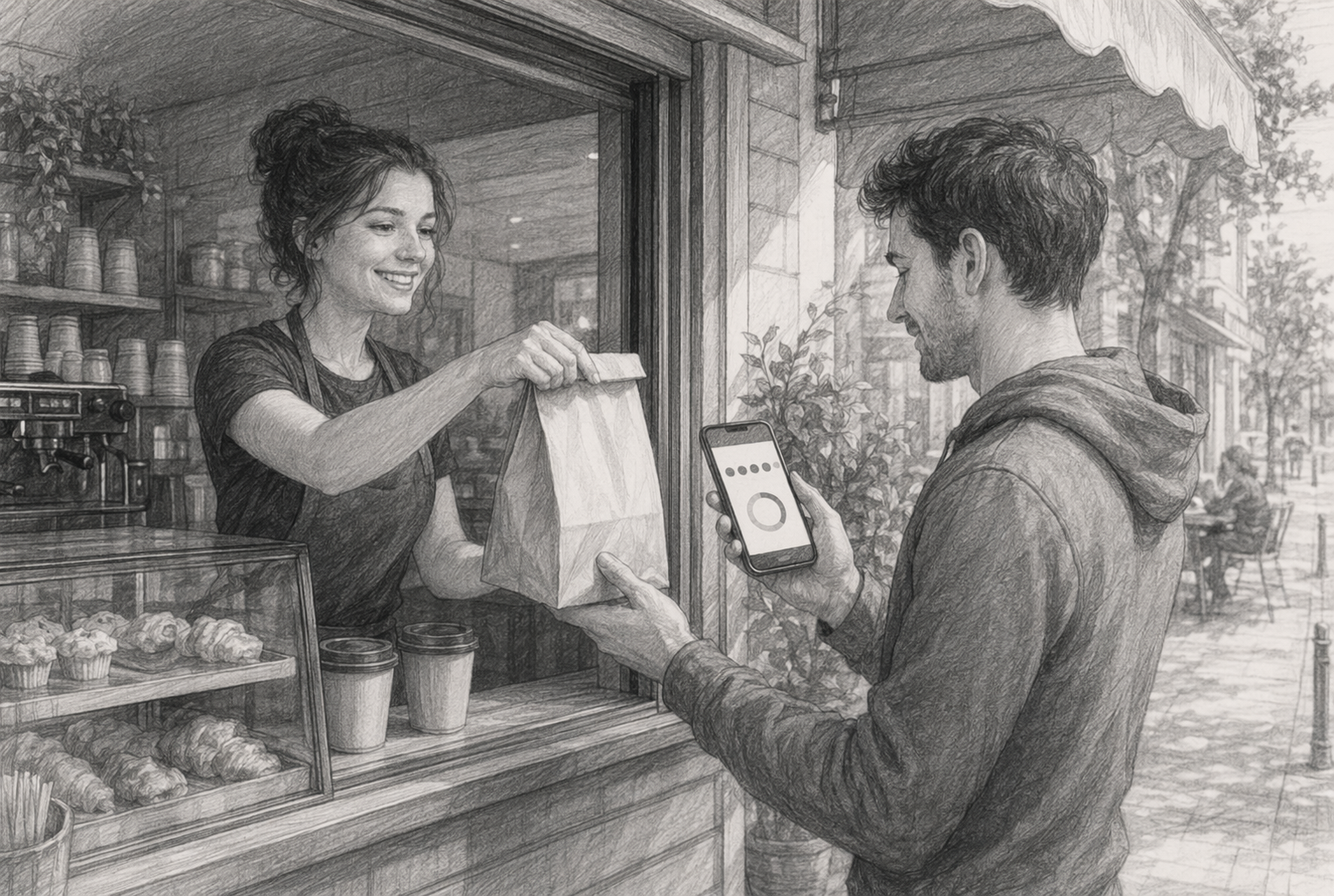
2. Points cards for variable spend
Use points when order values change a lot. This fits retail, beauty, services, and restaurants with mixed ticket sizes. Points let you reward spend fairly, not just visits. They also give you room for bonus offers on slow days or high-margin items. Keep rules simple. MIT notes that points create a real future obligation, so messy point values can hurt margins MIT research on loyalty point liabilities.
If customers need a calculator to understand rewards, your setup is too hard.
3. Membership, cashback, and tiered loyalty for advanced use cases
Use membership if you can offer ongoing value like free extras or VIP access. Use cashback if buyers care most about clear savings. Use tiers if you have a wide gap between casual and top-spend customers. The CFPB has warned that changing earned reward value or blocking redemption can raise legal risk CFPB guidance on rewards programs. OneCup fits best when you want these models in Apple Wallet and Google Wallet without adding another app.
Start with one clear goal: more visits, higher spend, or stronger repeat habits. Then build the card around that goal. Apple notes loyalty passes can track visits, points, offers, and live updates in Wallet through Apple Wallet loyalty passes.
If staff cannot explain the reward in 10 seconds, simplify it.
Use OneCup to make enrollment fast and app-free. Apple says Wallet passes can be shared by SMS, email, QR codes, and web links through Apple’s pass distribution options.
| Channel | Best use | Why it works |
|---|---|---|
| QR code at counter | In-store signup | Captures walk-in traffic |
| SMS after purchase | Fast follow-up | High open rates |
| Email campaign | Existing customers | Easy to segment |
| Website popup | New visitors | Always on |
Ask for the minimum customer data you need. Name, phone, or email is often enough to start.
Run a full store test before launch.
Apple’s 2026 Wallet update added more pass design tools and barcode options in WWDC26 Wallet updates, so test on older and newer devices. Train staff on the backup path too, like manual lookup by phone number or member ID.
Mistakes that reduce adoption and redemption
Low adoption usually comes from too much friction. Businesses ask customers to fill forms, download an app, or wait too long for the first reward. Low redemption often comes from vague rules or weak tracking. EMARKETER notes that practical value and convenience drive repeat purchases more than brand love.
If customers need an explanation, the offer is too complex.
How to measure whether the program is working
Track behavior, not just signups. A large member count can hide poor results. KYROS explains that enrollment alone is not enough, and teams should watch activation, repeat earning, and redemption.
Common business questions about digital loyalty cards
Owners usually ask three things:
Ready to replace paper cards with an app-free setup customers will actually use? Start with OneCup to launch Apple Wallet and Google Wallet loyalty cards, speed up rollout, and track results across one store or many.
A digital loyalty card is a customer rewards card stored on a phone, usually in Apple Wallet or Google Wallet. It replaces paper punch cards and app-only programs with a wallet pass that tracks visits, points, stamps, or offers.
Customers save the card to their phone, then scan a QR code or redeem at checkout. The business updates points, stamps, or rewards in real time, so the pass stays current without needing a separate app.
Pick your reward rules, branding, and customer sign-up flow first. Then use a platform like OneCup to build an app-free wallet pass, connect earning logic, test redemptions, and train staff before launch.
They cost less than paper, are easier to use than full apps, and give you better tracking. You also get faster sign-up, fewer lost cards, stronger repeat visits, and direct wallet visibility on customers' phones.
Digital loyalty cards work because they remove friction. Customers skip paper cards and app downloads, while businesses get a faster, easier way to issue rewards, update balances, and stay visible in the wallet already on the phone. Google confirms loyalty cards in Google Wallet support web, email, and SMS distribution through hyperlinks across platforms. Google also added stronger engagement tools like Nearby Passes notifications. For most operators, the smart move is simple: choose an app-free, wallet-native setup that works on both Apple Wallet and Google Wallet.
OneCup LLC
651 N BROAD ST - SUITE 201
MIDDLETOWN DE 19709
United States
Whatsapp : +18023003737

.svg)

.svg)