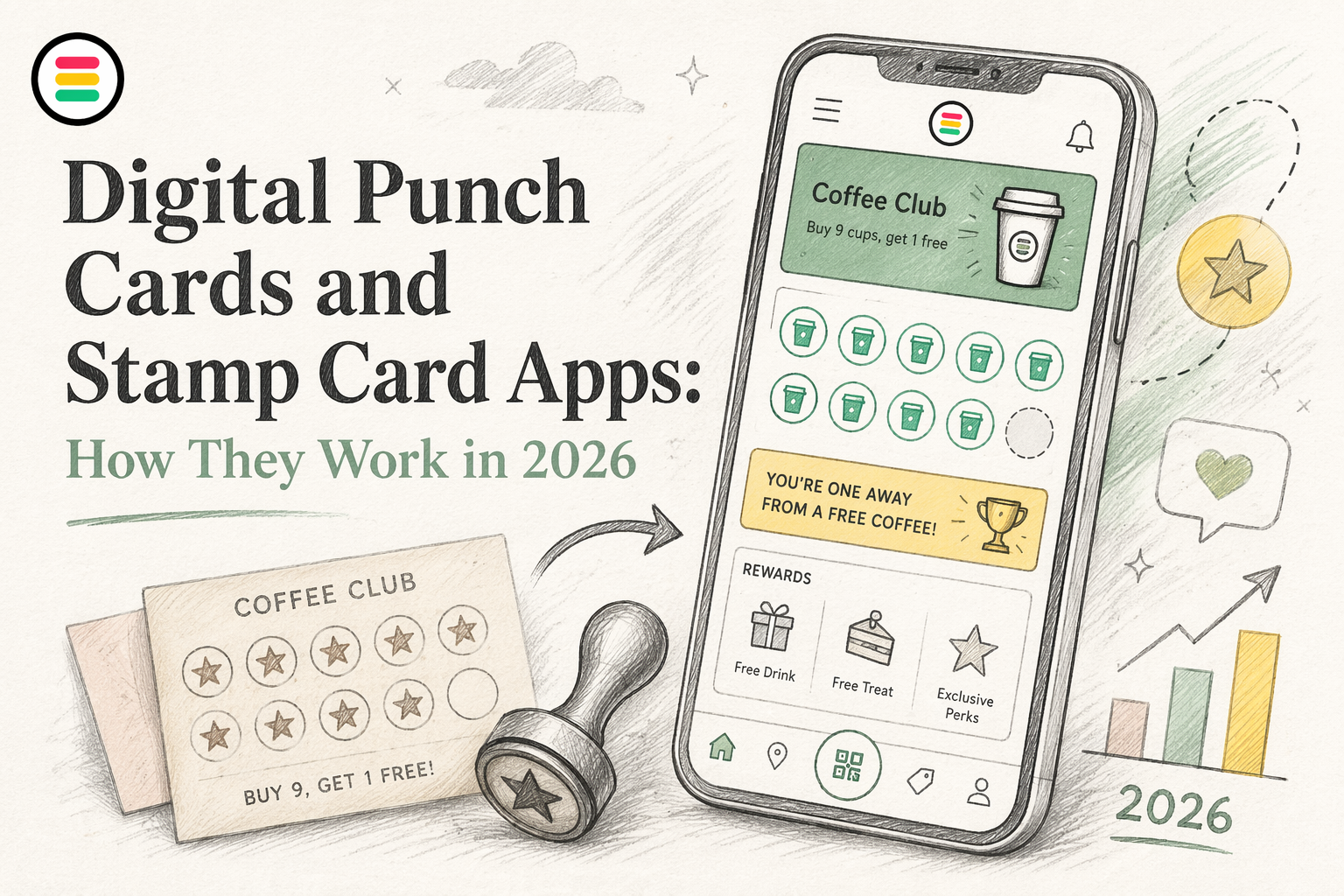
Quick Summary: Digital punch cards now live in customers' wallets, making loyalty programs easier to manage and less prone to loss or fraud. Customers scan a QR code or tap to save the card, then staff add stamps during visits without needing full POS integration. This approach improves retention, simplifies marketing, and provides better data across multiple locations. OneCup is a popular choice because it works directly in Apple and Google Wallet, with no app download required.
A cafe, salon, or juice bar can set up a digital punch card fast. A customer scans a QR code, saves the pass to Apple Wallet or Google Wallet, and starts earning visits without a paper card. That sounds simple, but many owners still struggle to pick the right digital punch card app or digital stamp card app.
This guide clears that up. You will see how a digital stamp card, virtual stamp card, and free digital punch card options work, what customers actually do, and what setup looks like for a digital punch card for small business. We cover the full category in plain English, compare paper vs digital, and show why wallet-based tools like OneCup make a digital punch card or digital stamp card easier to run at scale.
Paper stamp cards still do one job well - they track repeat visits. A digital punch card app does the same job, but it lives on the customer’s phone and updates in real time. Instead of handing out paper that gets lost or damaged, you issue a digital card by text, QR code, email, or web link. Apple says Wallet passes can be added from the web or email and do not require a related app, while Google says loyalty cards can be issued across web, email, and SMS through Google Wallet Apple Wallet overview and Google Wallet loyalty cards.
What customers see is simple:
With a wallet-first digital punch card app, the flow feels easier than paper:
OneCup fits this model well because the card sits in Apple and Google Wallet, with no app download, no POS requirement, and easy stamp collection through a web scanner.
A good digital punch card app replaces paper by cutting friction for both staff and customers.
Digital stamp cards copy the old paper model, but they live in the phone. Apple says loyalty passes can be shared by SMS, email, QR codes, and web links, then updated with real-time alerts in Wallet through Apple Wallet loyalty passes. Google says loyalty cards can also be issued across websites, email, and SMS, then saved in Google Wallet through its loyalty card system.
Most businesses start by setting a simple reward rule:
With a wallet-based tool like OneCup, the card can live in Apple Wallet or Google Wallet, so customers do not need a separate app.
Keep the first offer simple. Complicated rules slow signups and confuse staff.
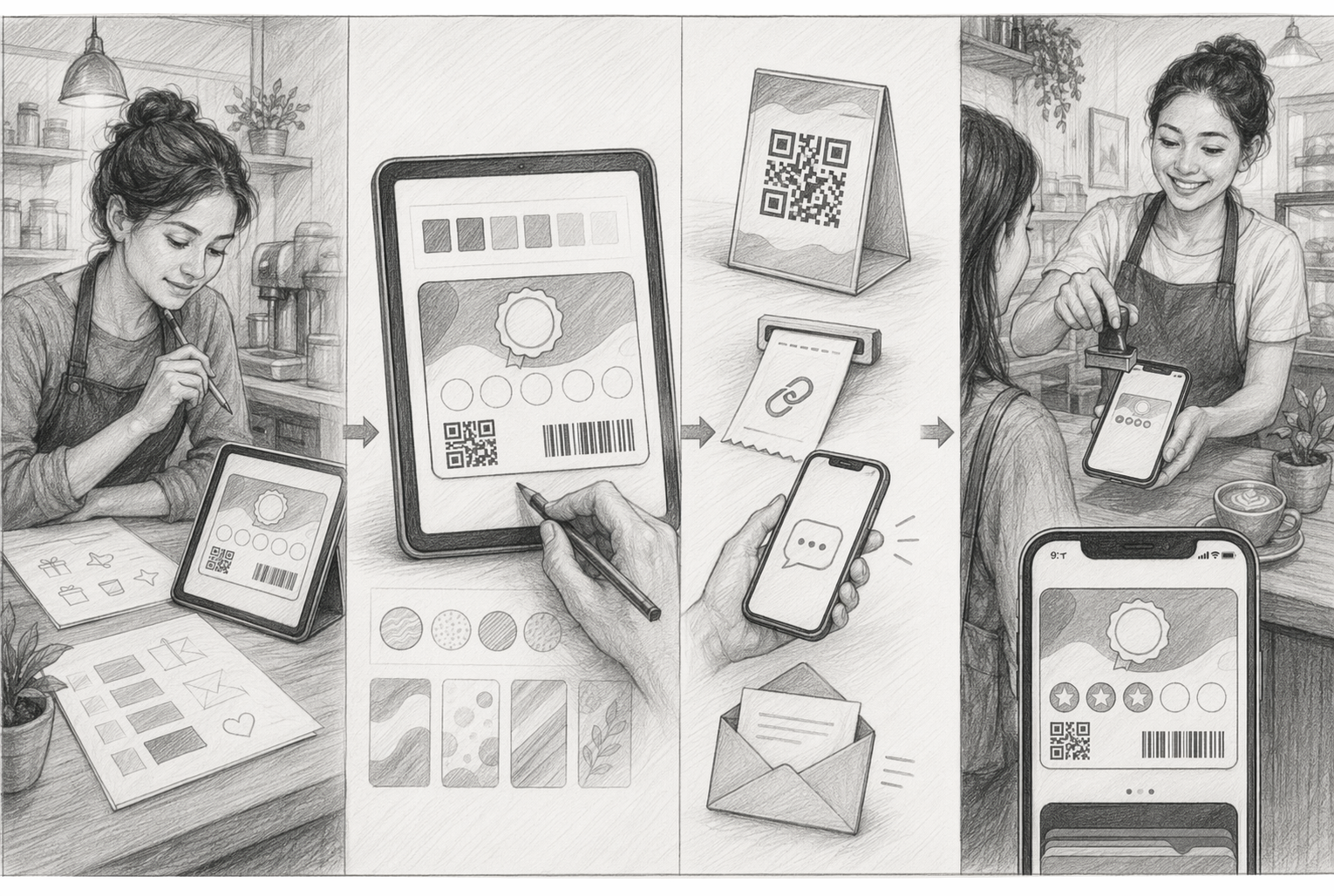
The customer flow should feel quick:
That is why digital cards beat paper. Customers lose fewer cards, and the business can update the same pass instead of reprinting anything.
At checkout, staff usually:
Many small businesses like this setup because it does not need a full POS integration. OneCup fits well here since staff can stamp cards from a browser, with no customer app download.
Paper cards look cheap to start. They get expensive when customers lose them, staff forget to stamp them, or fake punches slip through. Digital cards fix that by keeping the reward on the customer’s phone, not in a pocket or drawer.
A paper card breaks the habit fast. One lost card can wipe out six or seven visits of progress. Digital cards stay in Apple Wallet or Google Wallet, so customers are far less likely to lose or forget them. That keeps reward progress visible and makes the next visit easier. According to BTAQA’s 2026 comparison, paper cards also create fraud and tracking problems that digital programs avoid.

If customers do not carry the card, the loyalty program does not exist in real life.
Paper cards cannot remind anyone to come back. Digital cards can. A business can nudge customers when they are close to a reward, have gone quiet, or are near a store. That gives you a simple re-engagement channel without printing new cards or relying only on email. JeriCommerce’s 2026 wallet guide notes that wallet passes benefit from lock-screen presence and push notifications without a separate app download.
Paper tells you almost nothing. Digital programs show visit history, redemptions, and location-level use. That matters when you run more than one store.
For operators that want low friction, OneCup fits well because the card lives in the wallet, needs no app download, and works across locations with simple web-based stamping.
OneCup makes sense if you want digital loyalty without asking customers to install another app. The card lives in Apple Wallet and Google Wallet, so access feels natural and fast. Customers scan once, save the pass, and use the same wallet they already open for payments and tickets. OneCup also states that its cards are app-free and wallet-based on its product page, which matches what many wallet-first loyalty tools now offer across the market OneCup's digital loyalty card platform.

The other big fit is setup. OneCup uses a web scanner, so you do not need a POS project before launch. That matters for cafes, salons, bakeries, and multi-site operators that want to move fast. Staff can stamp visits from a phone or tablet through the browser, instead of waiting on technical work. Competing wallet tools like Passtastic also position no POS integration as a launch advantage, which shows how important this has become in the category.
For growing businesses, OneCup keeps the offer simple:
If your main goal is repeat visits, a wallet pass with low setup friction usually beats an app-heavy rollout.
That mix gives operators room to start small, test one reward, then roll it across more locations without rebuilding the program.
Choose the app that makes repeat visits easier, not harder. If customers must download yet another app, many will quit before they join. Wallet-based cards cut that step. Google Wallet alone has passed 1 billion downloads, which shows how normal wallet use has become.
Choose a setup your team can run during a busy shift. Staff should be able to issue a card, add a stamp, and fix simple mistakes in seconds. If the flow needs POS work, extra taps, or manual lookups, lines grow fast.
Pick the tool your newest employee can learn in one short shift.
Choose for scale, not just launch day. If you run more than one site, look for shared rules, location controls, customer updates, and clear reporting. Worldpay says digital wallets made up 33% of in-person spend in 2025, so wallet-based loyalty fits how people already pay and shop. OneCup stands out here because cards live in Apple Wallet and Google Wallet, need no app download, and can be stamped with a web scanner.
Making the reward too complicated
If customers need a long explanation, your setup is too hard. Keep the earn rule, reward, and timing obvious. The Rhode Island SBDC notes that simple loyalty offers work best because customers need to see value fast and know why they should return for small business retention.
Forgetting staff training and placement
A good program fails fast if staff do not mention it. Train your team to explain it in one sentence and place signup prompts where customers already pause. Yotpo’s guide stresses that frontline staff drive enrollments and customer understanding through staff training.
Ignoring follow-up after signup
Do not stop at signup. Send a welcome message, remind people how to earn, and nudge the second visit.
Want a digital loyalty program customers will actually use? Try OneCup to launch wallet-based stamp cards with no app download, no POS setup, and simple scanning. Start fast, test one offer, and turn more visits into repeat sales.
It is a phone-based loyalty card. Customers earn a stamp after each visit or purchase. When they hit the target, they get a reward. Staff scan, tap, or enter the stamp through a simple tool instead of using paper cards.
The best option depends on your setup. Pick one that is easy for staff, simple for customers, and works across locations. OneCup stands out if you want Apple Wallet and Google Wallet support, no app download, and no POS tie-in.
Start with a simple offer like buy 5, get 1 free. Add your logo, reward, stamp goal, and basic rules. Then test the customer flow. Some platforms offer trial plans, but free tools often limit branding, users, or messages.
They remove lost cards, fake stamps, and manual counting. Staff can issue and stamp cards faster. Customers keep the card on their phone, so return visits are easier to track. You also get cleaner data on redemptions and repeat purchase behavior.
Yes, some do. Wallet-based cards are easier because customers do not need another app. That lowers signup friction. OneCup is built for this model, so customers save the card to their phone wallet and businesses stamp it with a web scanner.
Digital punch cards work best when they stay simple. Give customers a clear reward, make stamps easy to earn, and remove extra steps. That is why digital beats paper for most operators: better tracking, easier updates, and less fraud. Loyalty still matters in 2026 - EY found 92% of consumers are enrolled in at least one loyalty program, and CX Dive reported 60% are more likely to visit stores where they can redeem rewards. For many small businesses, OneCup stands out because it keeps the whole flow fast, wallet-native, and app-free.
OneCup LLC
651 N BROAD ST - SUITE 201
MIDDLETOWN DE 19709
United States
Whatsapp : +18023003737

.svg)

.svg)