Quick Summary: Adding a loyalty program to your Shopify store should focus on simplicity and matching your business type, whether it's points, stamps, or wallet passes. Customers respond best when rewards are easy to understand and quick to redeem, so start small and test before expanding. Using wallet passes can speed up sign-ups and in-store engagement without extra app downloads. Tracking key metrics like repeat purchases and redemption rates helps you refine the program for better customer retention.
A Shopify coffee brand can turn holiday shoppers into weekly regulars with a shopify rewards program that is fast to join and easy to use online or at the counter. That is the real gap this guide solves. Many brands launch discounts, but not a clear loyalty program for ecommerce that drives repeat orders without adding friction.
This guide shows how to choose the right loyalty program shopify setup, compare shopify loyalty apps, and build a simple ecommerce loyalty program that works across channels. You will see when to use points, stamps, and a digital loyalty card for online store growth.
We work from real-world retention tactics used in online store loyalty program rollouts, including practical loyalty program for ecommerce and shopify rewards program decisions for loyalty program shopify stores.
A good loyalty program for ecommerce should fit how people already buy from you. Deloitte reports that 72% of consumers say loyalty programs make them more likely to spend with a preferred brand, so your model needs to feel easy and worth it from day one according to Deloitte.
Points, Stamps, and Wallet Passes: What Each One Does Best
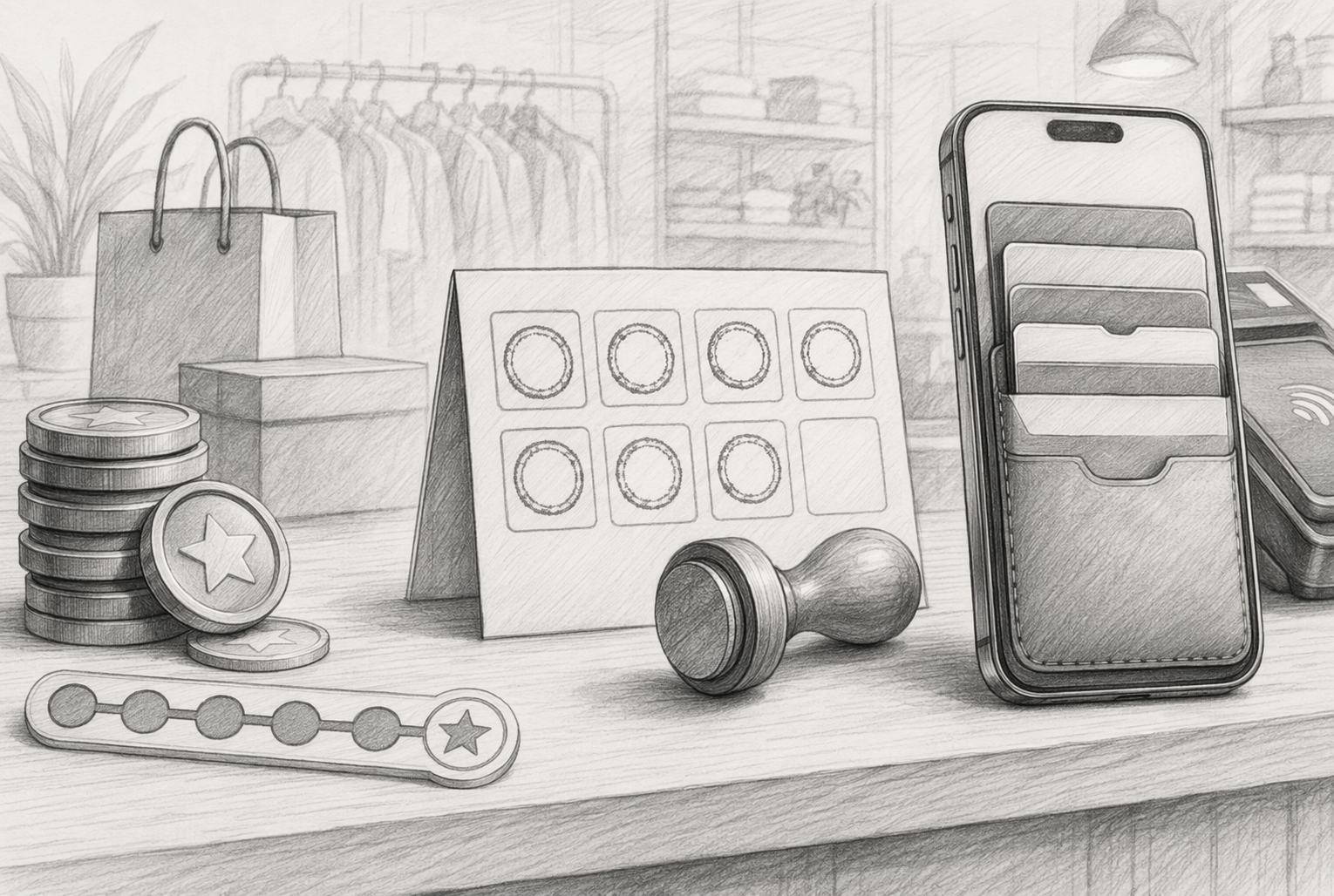
For a shopify rewards program, points are flexible, but they can feel vague if rewards take too long. Stamps are easy to grasp, which helps first-time members join fast. Wallet passes give your loyalty program shopify setup an edge if you sell online and in person, since customers can keep rewards in Apple or Google Wallet.
If redemption feels hard, customers stop caring. Keep the path to the first reward short.
How to Match the Program to Your Business Type
Use this quick guide:
| Business type | Best model | Why |
|---|---|---|
| Fashion or beauty ecommerce | Points | Supports higher AOV, tiers, and promos |
| Cafes, salons, car wash | Stamps | Simple repeat visits, clear reward goal |
| Omnichannel retail | Wallet passes | Easy in-store and online use, no app friction |
EY found 92% of consumers are enrolled in at least one loyalty program, so your loyalty program for ecommerce has to be simple and visible in EY's 2025 study. If you want a practical shopify rewards program, OneCup fits stores that need app-free wallet loyalty across online and physical sales.
Also Read: Loyalty Program Cards: The Complete Guide for Businesses
Customers should get the program in seconds. If they need a calculator, your setup is too hard. Keep the earn rule simple, like 1 point per $1, 1 stamp per order, or buy 5, get 1 reward. Deloitte found that customers respond better when redemption feels clear and effortless, not buried in rules or delays in its 2026 loyalty research.
If shoppers cannot explain your program to a friend, simplify it.

Start with rewards customers want, then stress-test profit. Antavo reports 49.1% of consumers quit when rewards take too long to earn, and 38.9% leave when rewards feel unattractive in its 2026 loyalty report.
Use this order:
A smart mix:
OneCup fits well here because wallet-based rewards stay easy to claim without adding app friction.
Pick your stack based on how customers join, earn, and redeem. A good Shopify loyalty app should cover the basics without extra work for your team. Look for:
The Shopify App Store now includes wallet-pass options like SleekPass, which works with Shopify POS, customer accounts, Apple Wallet, and Google Wallet. If you want fewer moving parts, OneCup fits well because it keeps loyalty app-free and easy to roll out online and in person.

Wallet-based loyalty cuts friction because customers do not need to install another app. Shopify notes mobile wallets already store loyalty passes, tickets, and payment cards, all in one place, and reports 4.5 billion people used digital or mobile wallets in 2025 in its merchant guide to mobile wallets. That matters because less friction means more signups.
Use this setup method if you want faster adoption:
If your store sells both online and in person, wallet passes usually beat app-based loyalty on speed and ease.
Put loyalty sign-up in places shoppers already touch. Start with your product page, cart, checkout, and post-purchase page. If you sell in store too, match that flow with a wallet pass or QR join step so the experience feels the same everywhere.
Shopify supports checkout extensions at defined points in checkout, and key checkout-step placements are limited to Shopify Plus stores, while Thank you and Order status extensions work more broadly, according to Shopify’s checkout extension docs.
Use a simple checklist:
Keep sign-up friction low. Ask for the minimum, then let customers complete the rest later.
Customers should always know three things:
Show points, stamps, or reward progress in the header, account area, and order pages. Shopify’s latest customer accounts support loyalty content through customer account UI extensions, which makes it easier to show status and rewards after login.
A strong on-site setup includes:
For OneCup, this is where wallet-based loyalty helps. Customers can join fast, keep their card in Apple or Google Wallet, and return without downloading an app.
Use one customer record across Shopify, POS, and any wallet-pass tool. If a shopper earns points online but staff cannot see that balance in store, trust drops fast. Map each purchase to the same email, phone, or member ID, then sync earn, redeem, refund, and tier updates in near real time.
If online and in-store balances drift apart, fix data flow before you launch more perks.
Wallet passes cut friction at checkout because customers do not need to log in, search email, or download an app. Apple says Wallet now supports richer loyalty and rewards passes through its enhanced Wallet passes. Google also positions Wallet as a home for loyalty passes and identity tools, with QR and tap-based sharing in supported flows on its Google Wallet identity tools.
For brands like OneCup, this works well because the same app-free pass can identify members online and in person.
Start small. Do not roll your loyalty program out to every customer on day one.
Use a first phase with:
This helps you catch gaps in signup flow, reward rules, and staff training before they spread. Mastercard’s guide on loyalty experimentation recommends test-and-control thinking to measure true lift, not guess from raw sales.
If you run online and in-store, launch both together in the pilot. A split setup hides real customer behavior.
With OneCup, this phase is easier because customers can join with a QR code and use wallet passes without downloading an app.
Do not judge success by signups alone. Enrollment looks nice, but it can fool you.
Track:
One 2026 analysis of 40,000+ customers warns against vanity metrics and pushes brands to compare behavior before and after enrollment, plus against a control group where possible, in Oshi’s research.
Review results every month. Keep the rewards that change behavior. Cut the ones that only give away margin.
Ready to launch without app friction? OneCup helps Shopify and e-commerce brands run wallet-based loyalty cards for online and in-store buyers, with QR signup, repeat-purchase rewards, and push updates. Start simple, test fast, and turn one-time shoppers into regulars.
Pick your reward type first - points, stamps, tiers, or wallet pass rewards. Then set rules for earning and redemption, connect it to Shopify checkout, test the customer flow, and launch with clear on-site messages. OneCup fits stores that want app-free digital loyalty cards.
The best setup matches your margin, repeat rate, and sales channels. Points work for flexible rewards. Stamps work for simple repeat buys. Wallet passes work well for omnichannel brands that want easy access, reminders, and no app install.
Use rewards customers understand fast:
Keep the first reward close. If buyers must wait too long, sign-up rates and repeat orders usually drop.
Yes, if the system tracks one customer profile across channels. That lets shoppers earn online, redeem in store, and keep one balance. OneCup is strong here because its wallet cards work on phones in both settings without an app.
Start small. Offer one simple reward, like a discount after two or three purchases. Use basic Shopify tools or a low-cost loyalty platform, test redemption abuse, and promote it in checkout, email, and account pages before expanding.
A good loyalty program should make the second purchase feel easy. The best setups match your store model: points for flexible rewards, stamps for simple habits, and wallet passes for fast use across online and in-store sales. Keep the rules clear, launch with a small reward, and track repeat purchase rate, retention, and redemption. Shopify highlights these as core loyalty metrics in its retention guide, and recent 2026 loyalty research shows shoppers want rewards across channels, not just on your site. That is why omnichannel loyalty now matters.
OneCup LLC
651 N BROAD ST - SUITE 201
MIDDLETOWN DE 19709
United States
Whatsapp : +18023003737

.svg)

.svg)