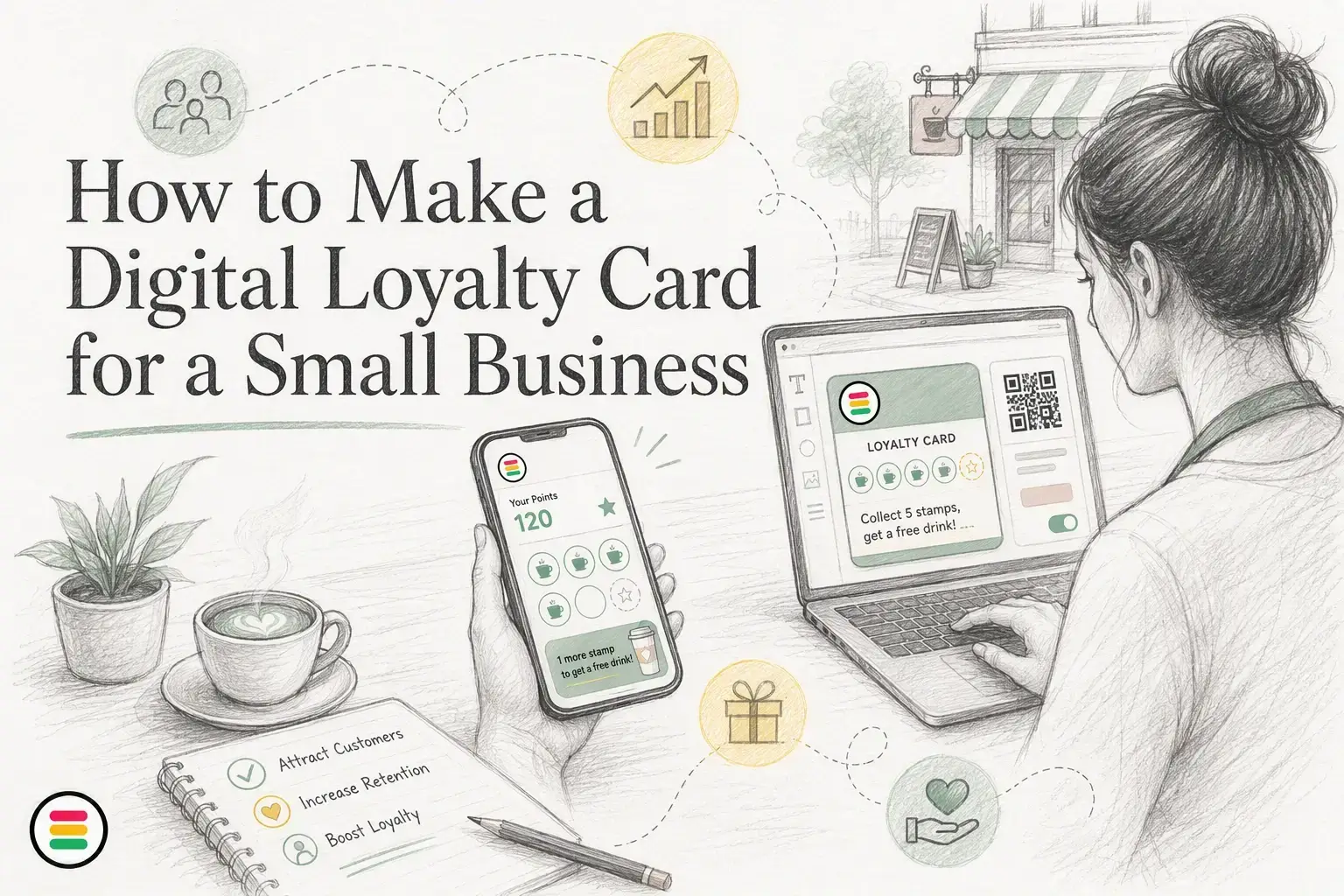
Quick Summary: Small businesses can create effective digital loyalty cards using simple QR codes linked to Apple Wallet or Google Wallet. Focus on easy sign-up, clear rewards, staff training, and tracking key metrics like repeat visits. Keep the program straightforward and improve it gradually based on customer behavior data.
If you run a cafe, salon, or local shop, the quickest way to create digital loyalty is often a simple QR code that lets people save a pass to Apple Wallet or Google Wallet. The hard part is not the tech. It is picking rewards, training staff, and launching fast. I have seen what helps small teams create digital loyalty without an app. This guide shows how to create digital loyalty with clear steps, simple workflows, and launch ideas that fit busy stores.
Pick the model that matches how people buy from you. A good loyalty program works best when customers buy often and can choose between similar providers, according to Berkeley Haas guidance.
Use stamp cards if orders are small, repeat often, and stay fairly similar. Think coffee shops, bakeries, car washes, or lunch spots. Customers get the idea fast - buy 9, get the 10th free.
If your reward takes too long to earn, people lose interest.
Use points if ticket sizes change a lot. This fits salons, restaurants, pet services, and retail. Higher spenders earn faster, which feels fair. Harvard Business Review notes loyalty members often visit and engage more, but weak program design can still backfire if the value is unclear.
Also Read: Loyalty Reward Cards: How They Work and Why Your Business Needs One
Brand the card so it feels like your business. Use your logo, brand colors, and one clear offer line. Keep the front clean. People should know what the card is in one second. Apple says loyalty passes can be customized and updated, which helps you match tiers, seasons, or offers to the customer experience Apple Wallet loyalty passes.
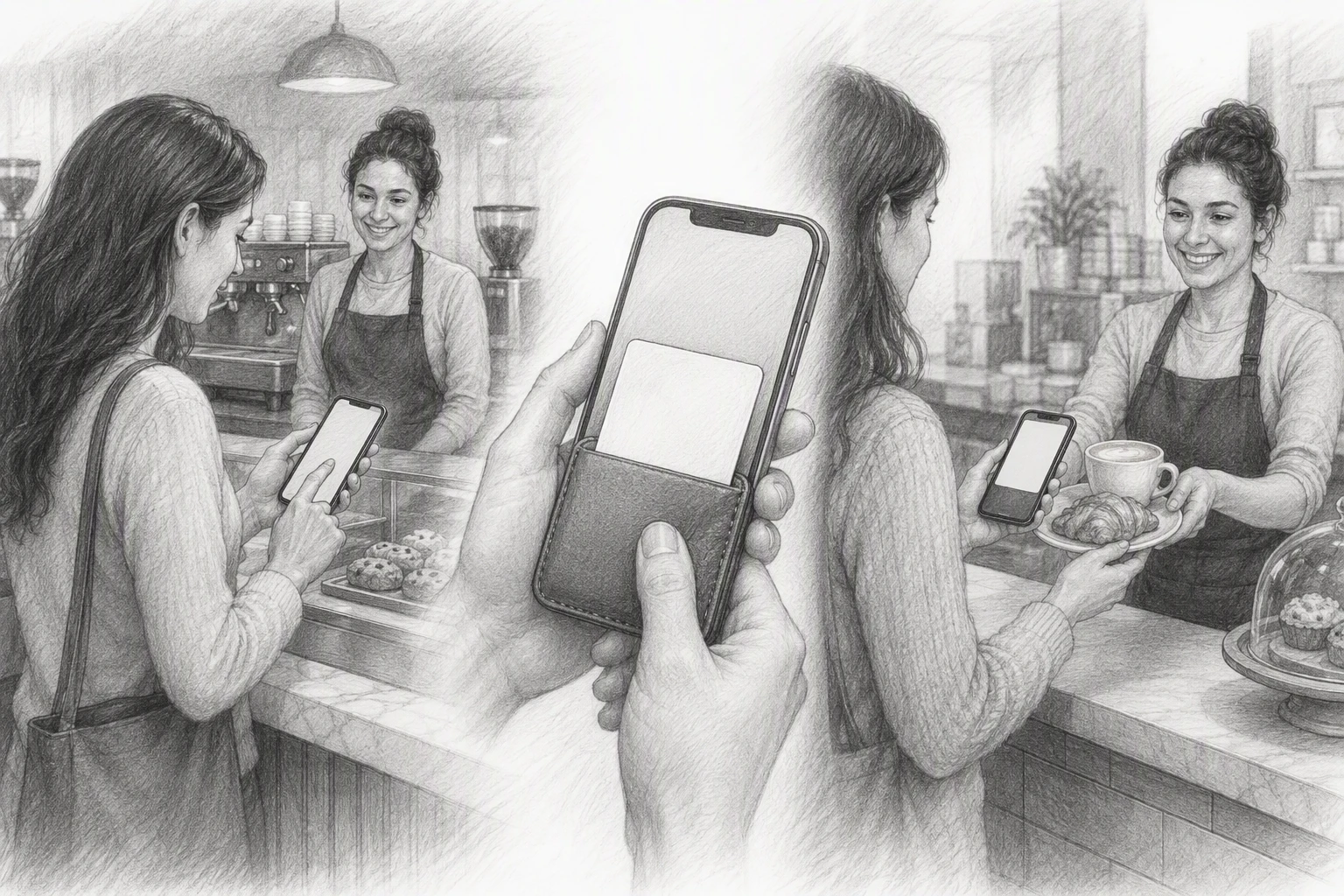
Create a friction-free sign-up flow. Ask for the least data possible, usually first name plus email or phone. Let people join from SMS, email, web, or QR code. Apple notes passes can be distributed through web, email, SMS, NFC tags, and QR codes Apple Wallet distribution options.
Tip: If staff need to explain more than one step, your sign-up flow is too slow.
Set the reward threshold and redemption rule. Pick one simple trigger, like 7 visits or 10 points. Then make redemption easy to spot, approve, and track at the counter.
Also Read: Loyalty Program Cards: The Complete Guide for Businesses
Put your loyalty card where customers already pause - front door, counter, menu, receipt, and table tents. QR codes are quick to use, and a U.S. Census usability study found all participants scanned successfully. Use one clear line: Scan, save, earn.
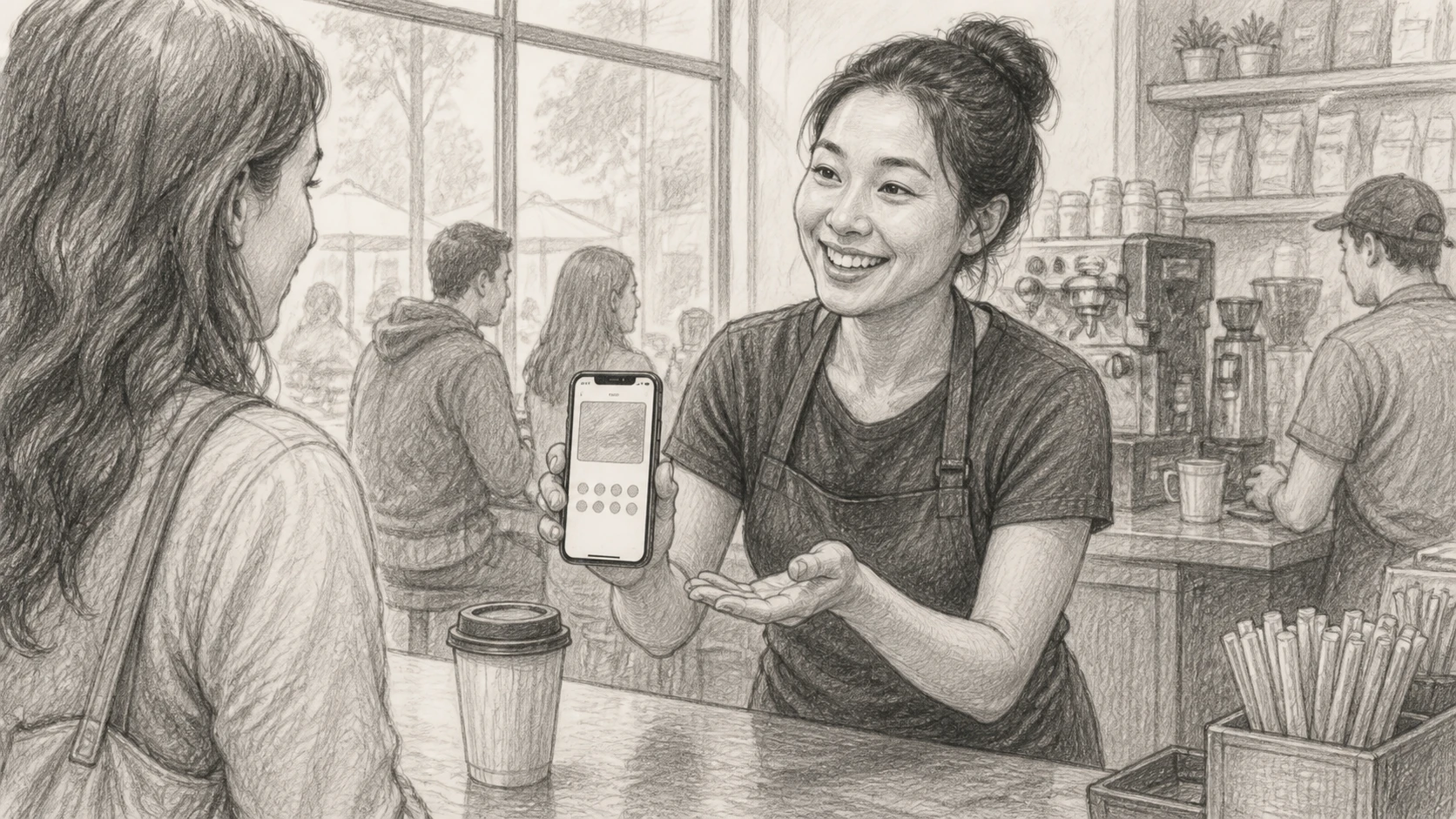
Train staff with a 20-second script and one rule for each step:
Keep redemption just as fast. Google says Wallet passes support updates and notifications in Google Wallet, so staff should only check the pass, tap redeem, and thank the customer.
Run two days of soft testing before full launch. Have staff scan, save, earn, and redeem on different phones. Fix weak signage, slow explanations, and checkout bottlenecks first.
Also Read: Wallet Passes vs. Standalone Loyalty Apps: Which Is Better?
Track repeat visit rate, reward redemption rate, average spend per member, and time to second purchase. These numbers show if your card changes behavior, not just signups. Bain found repeat customers spend more over time. BCG also notes top programs drive much higher engagement.
High signups with low redemptions usually mean the reward is too hard to reach.
Change one thing at a time. Test a lower stamp goal, a better reward, or a faster reminder after the first visit. Keep the rules simple so staff can explain them fast and customers remember them.
Ready to launch without an app? OneCup helps you build, share, and manage digital loyalty cards fast, with simple rewards and staff-friendly setup.
Use a ready-made no-app platform, pick one reward, add your logo, and train staff on one signup script. Keep the first version simple so you can launch in days, not weeks.
No. The easiest setup uses a wallet pass, text link, or QR code. That cuts signup friction and works better for local businesses that need quick joins at the counter.
Start with one clear offer customers understand fast. Examples include buy 9 get 1 free, a birthday perk, or a spend-based reward. If staff can explain it in 10 seconds, it works.
A good digital loyalty card stays simple: clear reward, easy wallet signup, fast staff flow, and steady promotion. That matters because EY found consumers want visible, easy-to-use value.
OneCup LLC
651 N BROAD ST - SUITE 201
MIDDLETOWN DE 19709
United States
Whatsapp : +18023003737

.svg)

.svg)