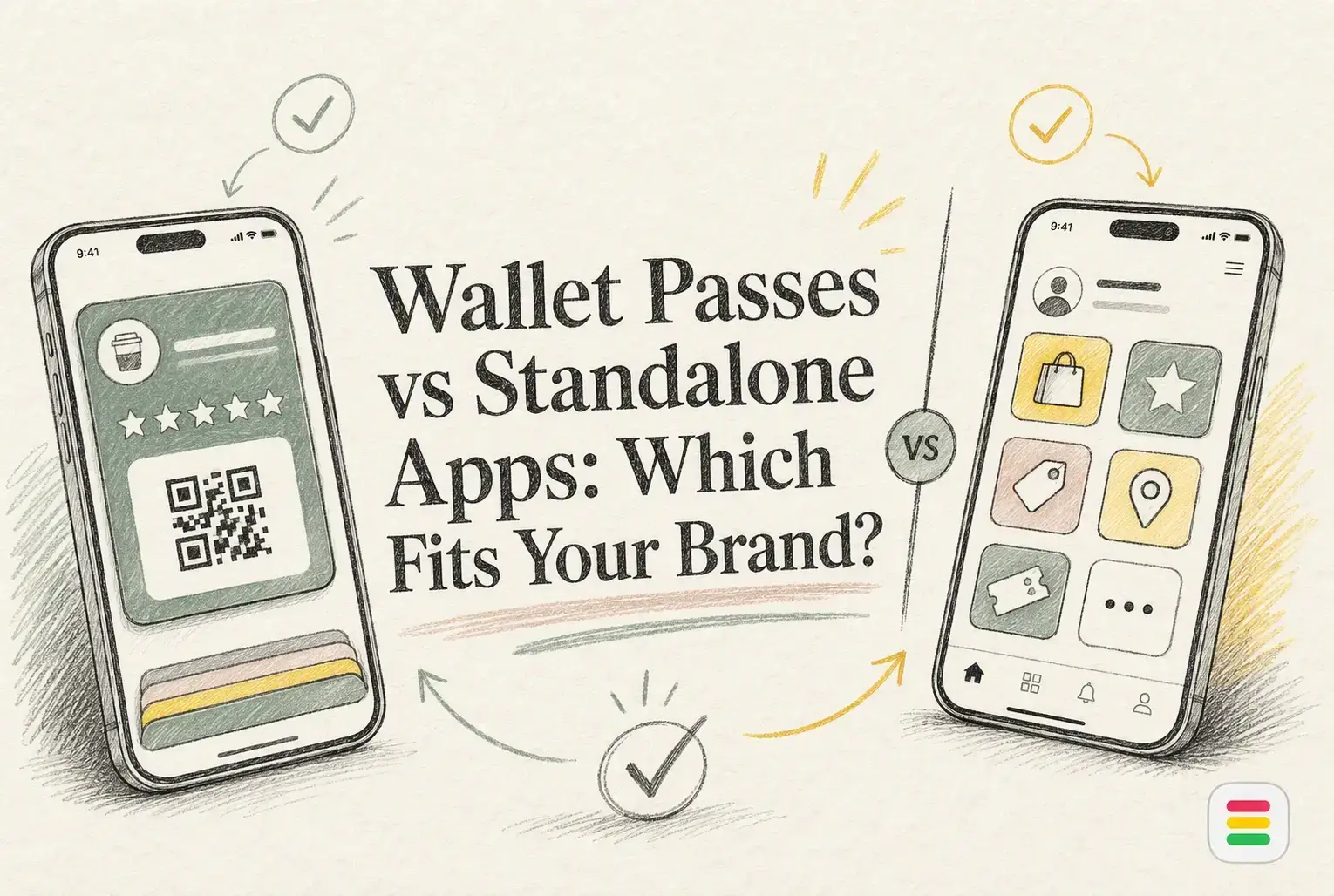
A cafe customer may skip loyalty if downloading an app delays their coffee. In wallet passes vs apps, passes drive fast signups with less friction. Apps suit brands needing ordering, accounts, and games. Small teams must weigh wallet passes vs apps by adoption, cost, marketing, and scale. This guide gives a practical view of wallet passes vs apps.
| Wallet passes | Standalone apps | |
|---|---|---|
| Customer access | Save by link, QR code, email, SMS, or web | Download, install, and usually create an account |
| Launch effort | Fast setup with limited development | Higher design, development, and maintenance effort |
| Engagement | Pass updates, alerts, and location-aware visibility | App notifications, content, ordering, and personalized journeys |
| Feature depth | Best for cards, stamps, points, offers, and membership | Strong for accounts, ordering, gamification, and complex programs |
| POS flexibility | Can operate independently of POS | Depends on integrations and app architecture |
| Best for | Small businesses and repeat-visit programs | Brands with frequent engagement and larger digital ecosystems |
Wallet passes are digital loyalty cards saved in Apple Wallet or Google Wallet, with no dedicated app download. They suit small businesses running stamps, points, offers, or memberships. Apple confirms passes can be shared through web, email, SMS, and QR codes, then updated with alerts and location cues via Wallet.
Standalone apps are branded mobile products for loyalty, ordering, content, and accounts. They fit brands with frequent customer use and a larger digital setup, but need more build and upkeep.
Wallet passes remove a major hurdle: no app-store search, download, or new login. A customer can save the pass while paying and use it on the next visit. That suits quick-service businesses. CISA advises people to install only apps they need, so an app-free choice can feel safer too.
Tip: Put the pass signup QR code at checkout, not on a hidden web page.
An app earns its place when it does more than track points. Use one for booking, ordering, class schedules, saved favorites, or member-only content. Otherwise, customers may not reopen it.
Also Read: Loyalty Program Cards: The Complete Guide for Businesses
Wallet passes win on low-friction loyalty. Customers add a pass from a QR code, email, or web link, with no app download. Apple says passes can show at relevant times or locations and update with point balances or offers through Wallet notifications.
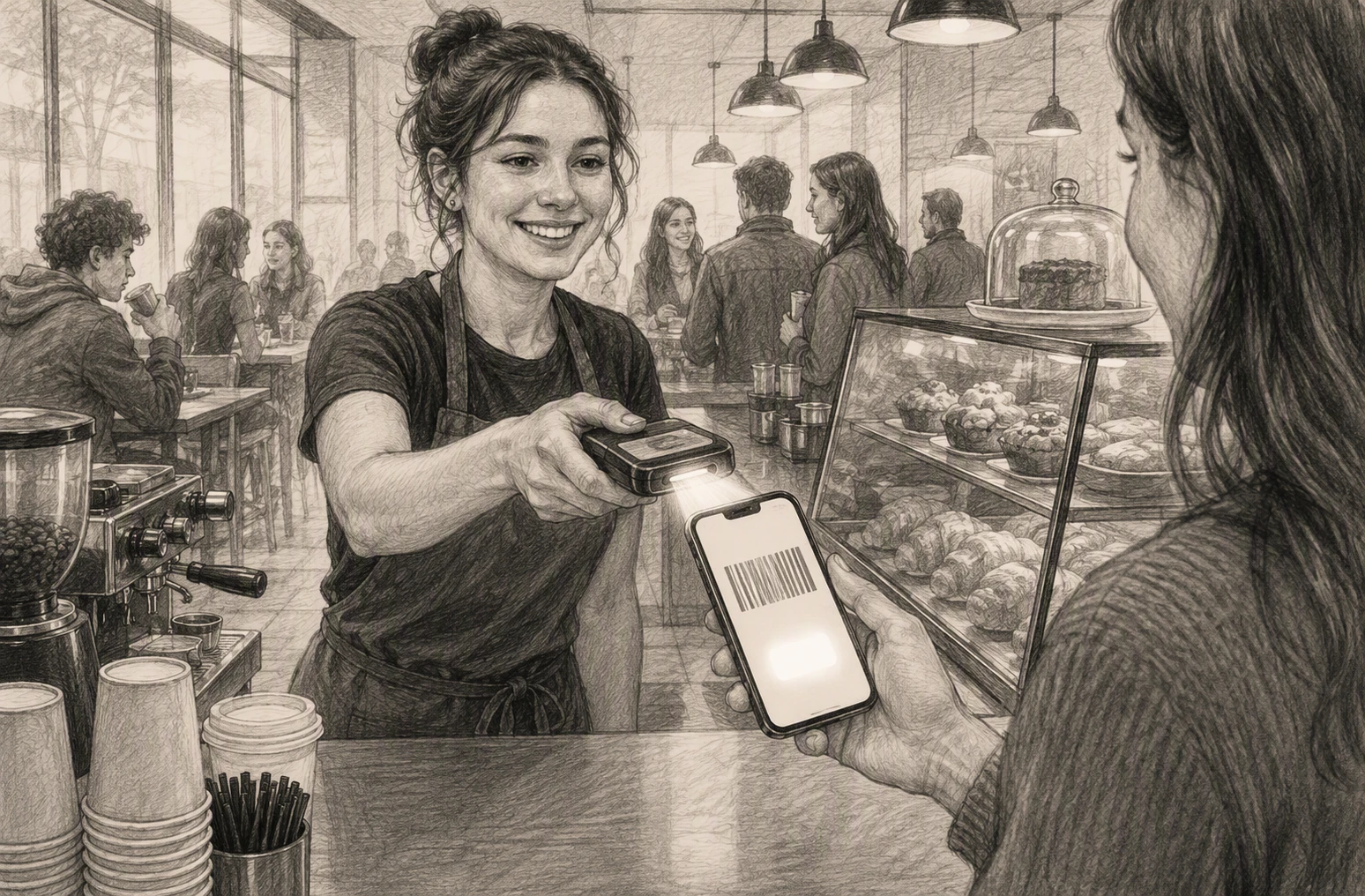
Apps give you deeper control over the customer journey. Use them for ordering, bookings, rich profiles, in-app content, and more detailed behavior data.
| Need | Better fit |
|---|---|
| Quick repeat visits | Wallet pass |
| Ordering and booking | Standalone app |
Choose an app only when customers will return often enough to justify downloading it.
Also Read: Wallet Passes vs. Standalone Loyalty Apps: Which Is Better?
A wallet-first program avoids app build costs, app-store upkeep, and customer download friction. Budget for platform fees, campaign work, staff training, and rewards instead.
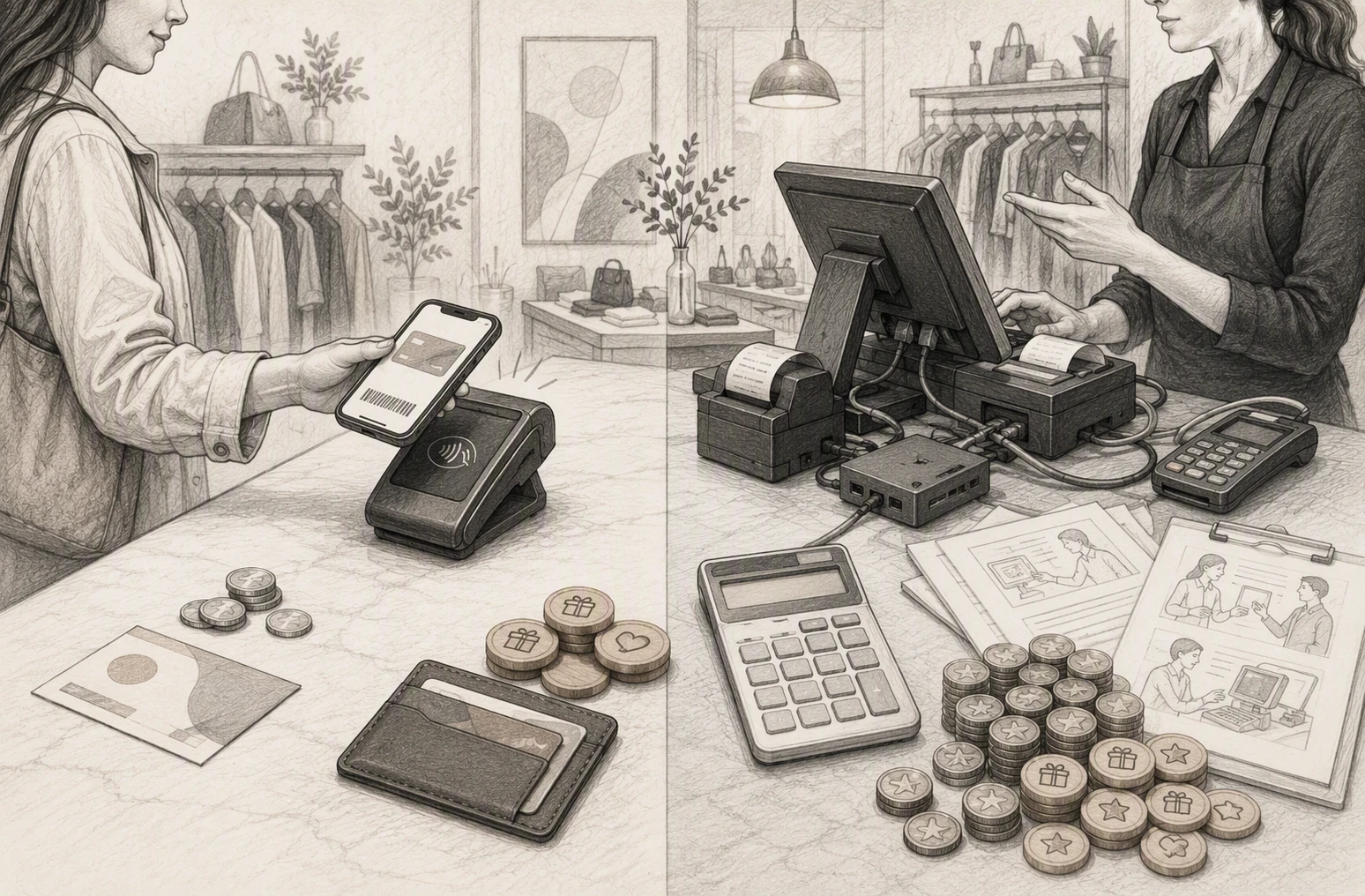
| Cost area | Wallet-first pass | Standalone app |
|---|---|---|
| Customer access | Add to phone wallet | Download and sign in |
| Ongoing work | Offers and pass updates | Updates, support, and releases |
Tip: Price the full operating load, not just the monthly plan.
Choose POS integration when you need purchase-based points, item rules, and shared rewards across sites. Square, for example, supports one loyalty program with participating locations and configurable earning rules through its loyalty program tools.
Also Read: Loyalty Reward Cards: How They Work and Why Your Business Needs One
Choose wallet passes if fast sign-up and repeat visits matter most. Customers can add a pass without installing an app, and it can show points, offers, and updates (Apple guidance).
Choose an app only if you need bookings, ordering, rich accounts, or a full member portal.
For most local loyalty programs, start app-free. Add an app later if customer needs prove it worthwhile.
Choose app-free loyalty with OneCup. Launch wallet passes faster, reduce signup friction, and reward repeat visits.
Wallet passes usually win when fast signup, low cost, and repeat visits matter most.
No. They save the pass to their phone wallet and receive updates there.
Choose one if customers need ordering, bookings, accounts, or rich member features.
Choose wallet passes for fast, low-friction loyalty. Choose an app for deeper service. Apple confirms passes can update and redeem rewards in Wallet.
OneCup LLC
651 N BROAD ST - SUITE 201
MIDDLETOWN DE 19709
United States
Whatsapp : +18023003737

.svg)

.svg)